اپلیکیشن اندرویدی فلشکارت آموزشی React Native: Integrating with Machine Learning APIs
🎓 دوره آموزشی جامع
📚 اطلاعات دوره
عنوان دوره: دوره React Native: Integrating with Machine Learning APIs
موضوع کلی: برنامه نویسی
موضوع میانی: ریاکت نیتیو (React Native)
📋 سرفصلهای دوره
- 1. مقدمهای بر برنامه نویسی موبایل
- 2. آشنایی با مفاهیم توسعه اپلیکیشن
- 3. مقدمهای بر جاوا اسکریپت برای توسعه موبایل
- 4. مبانی جاوا اسکریپت (متغیرها، انواع داده، عملگرها)
- 5. ساختارهای کنترلی در جاوا اسکریپت (if, else, loops)
- 6. توابع در جاوا اسکریپت (تعریف، فراخوانی، پارامترها)
- 7. مفاهیم شیء گرایی در جاوا اسکریپت (objects, classes)
- 8. آرایهها در جاوا اسکریپت
- 9. دستکاری رشتهها در جاوا اسکریپت
- 10. مقدمهای بر React
- 11. مفاهیم JSX
- 12. کامپوننتهای تابع (Functional Components)
- 13. کامپوننتهای کلاس (Class Components)
- 14. Props در React
- 15. State در React
- 16. مدیریت رویدادها (Event Handling)
- 17. لیستها و کلیدها (Lists and Keys)
- 18. شرطی سازی رندر (Conditional Rendering)
- 19. فرمها در React
- 20. مقدمهای بر React Native
- 21. چرا React Native؟
- 22. نصب و راهاندازی محیط توسعه React Native
- 23. ساختار پروژه React Native
- 24. اجرای اپلیکیشن React Native بر روی شبیهساز و دستگاه واقعی
- 25. مبانی React Native UI Components
- 26. View Component
- 27. Text Component
- 28. Image Component
- 29. TextInput Component
- 30. Button Component
- 31. ScrollView Component
- 32. FlatList Component
- 33. StyleSheet API
- 34. Flexbox Layout
- 35. Navigation در React Native
- 36. React Navigation Setup
- 37. Stack Navigator
- 38. Tab Navigator
- 39. Drawer Navigator
- 40. Pass Data Between Screens
- 41. State Management در React Native
- 42. Context API
- 43. Redux Overview
- 44. React Redux Setup
- 45. Actions, Reducers, Store
- 46. Dispatching Actions
- 47. Connecting Components to Redux
- 48. React Native Networking
- 49. Fetching Data with Fetch API
- 50. Handling API Responses
- 51. Error Handling in Networking
- 52. Introduction to Machine Learning
- 53. What is Machine Learning?
- 54. Types of Machine Learning (Supervised, Unsupervised, Reinforcement)
- 55. Common ML Tasks (Classification, Regression, Clustering)
- 56. Introduction to Machine Learning APIs
- 57. What are ML APIs?
- 58. Benefits of Using ML APIs
- 59. Categories of ML APIs (Vision, NLP, Speech, etc.)
- 60. Overview of Popular ML API Providers (Google Cloud AI, AWS AI, Azure AI)
- 61. Introduction to Google Cloud AI Platform
- 62. Google Cloud Vision API
- 63. Google Cloud Natural Language API
- 64. Google Cloud Speech-to-Text API
- 65. Google Cloud Text-to-Speech API
- 66. Integration Strategy: Choosing the Right ML API
- 67. Evaluating API Capabilities and Limitations
- 68. Cost Considerations for ML APIs
- 69. Authentication and Authorization for ML APIs
- 70. Setting up API Keys and Service Accounts
- 71. Making Authenticated Requests
- 72. Error Handling for API Interactions
- 73. Building a React Native App with ML API Integration
- 74. Project Structure for ML Integration
- 75. UI Design for ML-Powered Features
- 76. Displaying ML Results
- 77. User Feedback Mechanisms
- 78. Integrating Google Cloud Vision API for Image Analysis
- 79. Object Detection
- 80. Label Detection
- 81. Face Detection
- 82. Text Detection (OCR)
- 83. Integrating Google Cloud Natural Language API for Text Analysis
- 84. Sentiment Analysis
- 85. Entity Recognition
- 86. Syntax Analysis
- 87. Integrating Google Cloud Speech-to-Text API for Voice Input
- 88. Real-time Speech Recognition
- 89. Handling Audio Input from Microphone
- 90. Integrating Google Cloud Text-to-Speech API for Voice Output
- 91. Generating Spoken Responses
- 92. Customizing Voice and Speech Settings
- 93. Advanced ML API Integration Patterns
- 94. Batch Processing with ML APIs
- 95. Asynchronous API Calls
- 96. Caching ML API Responses
- 97. Handling Large Data for ML Processing
- 98. Optimizing API Usage and Performance
- 99. Monitoring ML API Performance
- 100. Security Best Practices for API Integrations
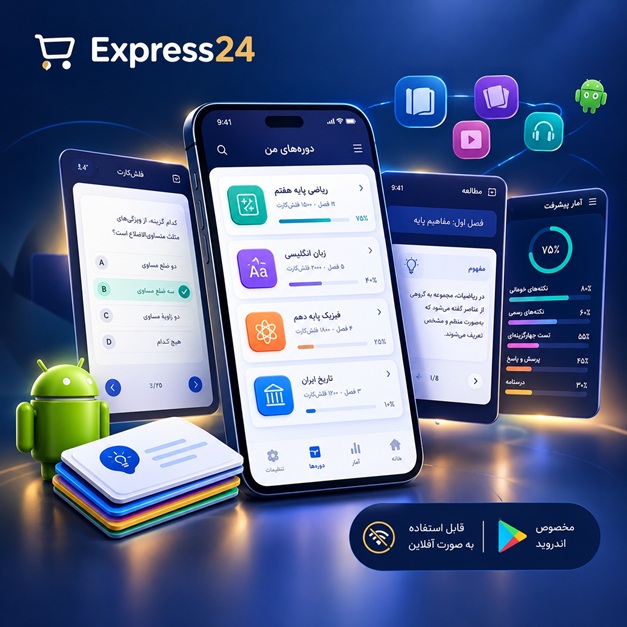
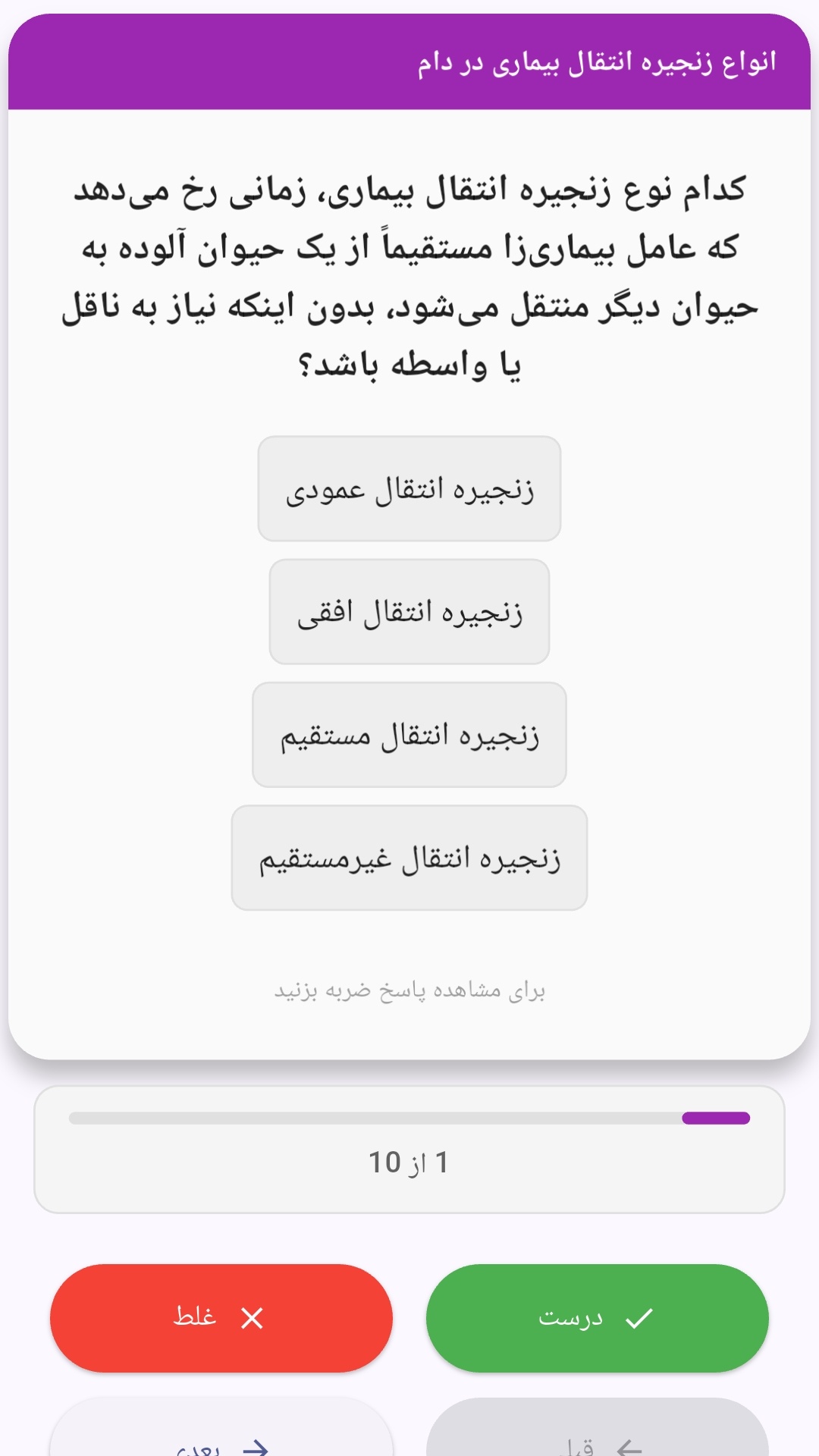
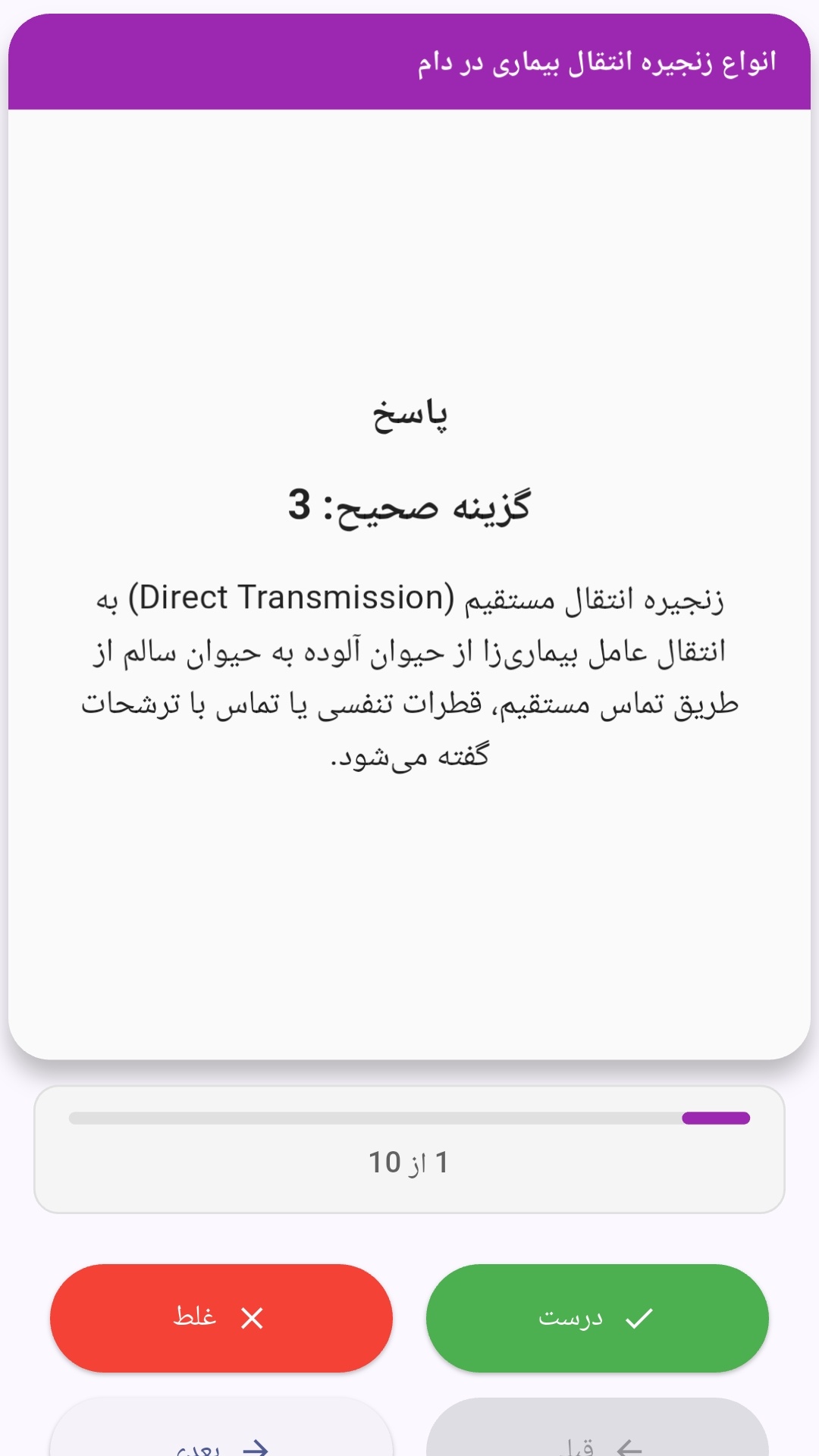
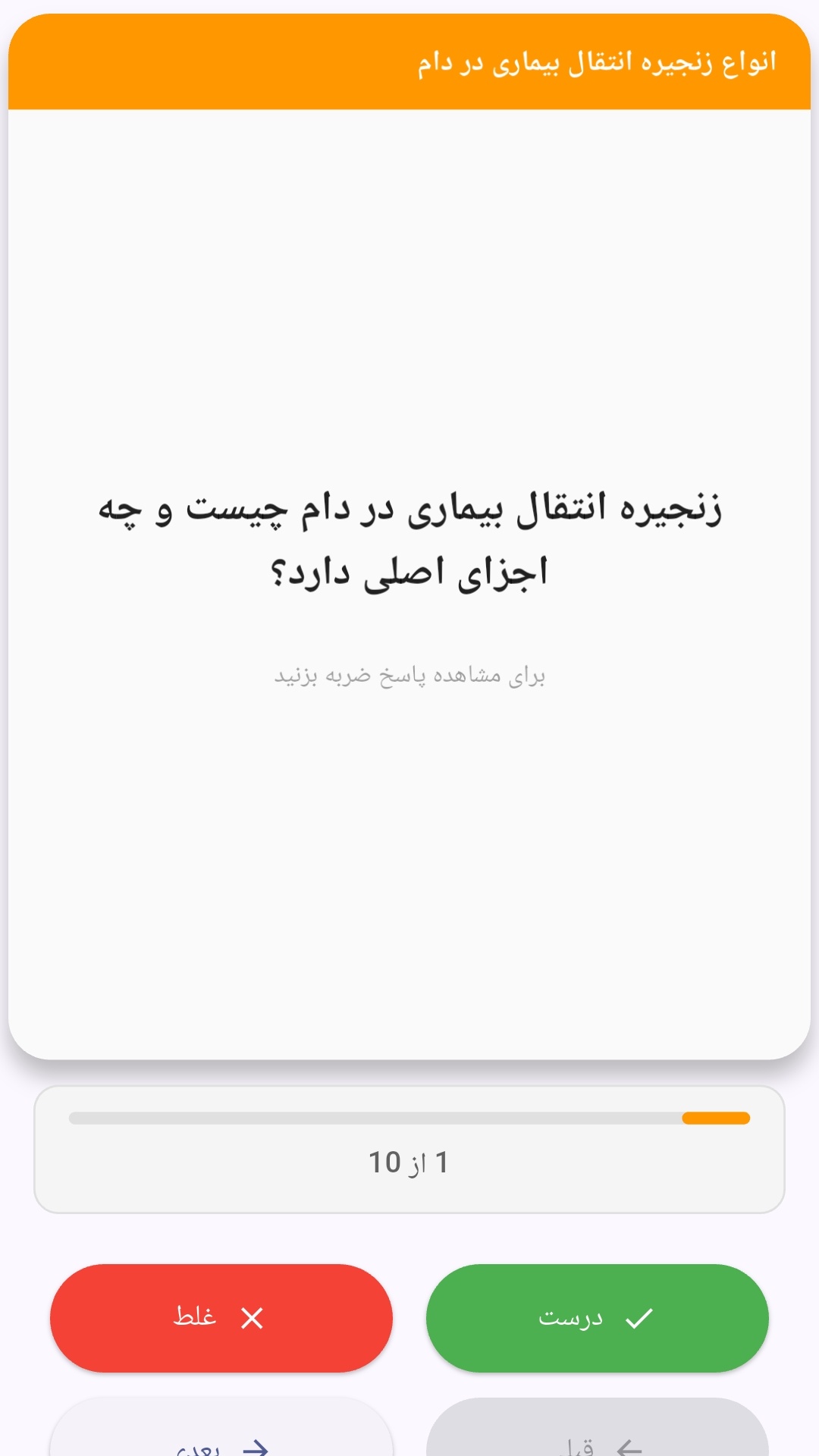
این اپلیکیشن فارسی برای یادگیری و مرور محتوای آموزشی از طریق فلشکارت طراحی شده است. کارتها را یکییکی مرور کنید، پاسخ پرسشها را به یاد بیاورید و نتیجه هر پاسخ را ثبت کنید. محتوای دوره پس از نصب درون برنامه در دسترس است تا برای مطالعه روزمره معمولاً به اتصال مداوم اینترنت نیاز نداشته باشید.
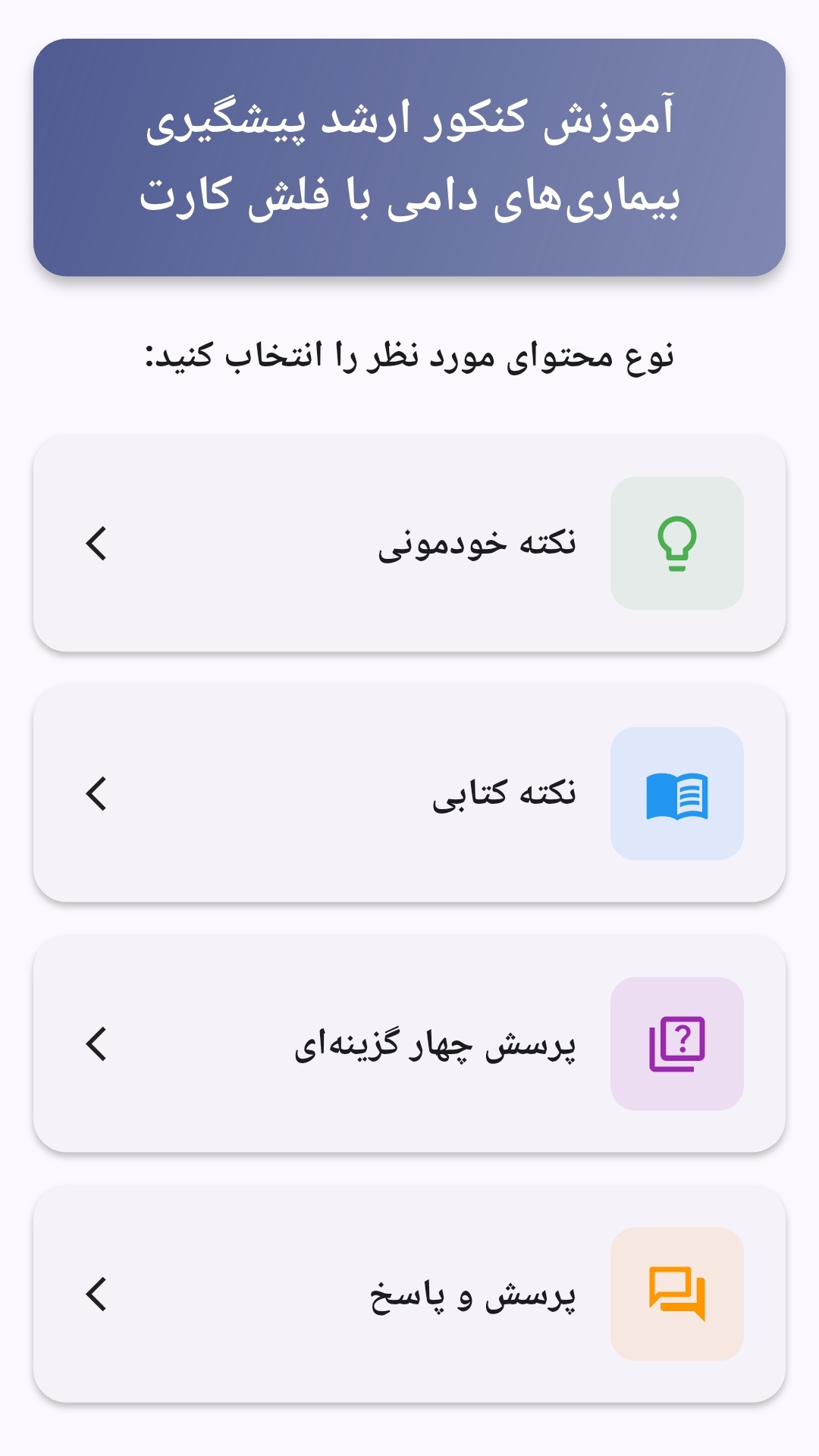
محتوای آموزشی در قالبهای متنوع ارائه میشود تا هم برای یادگیری مفاهیم جدید و هم برای تثبیت آموختهها قابل استفاده باشد.
- رابط کاربری فارسی و راستچین با فونت وزیر.
- تم روشن و تیره مطابق تنظیمات سیستم.
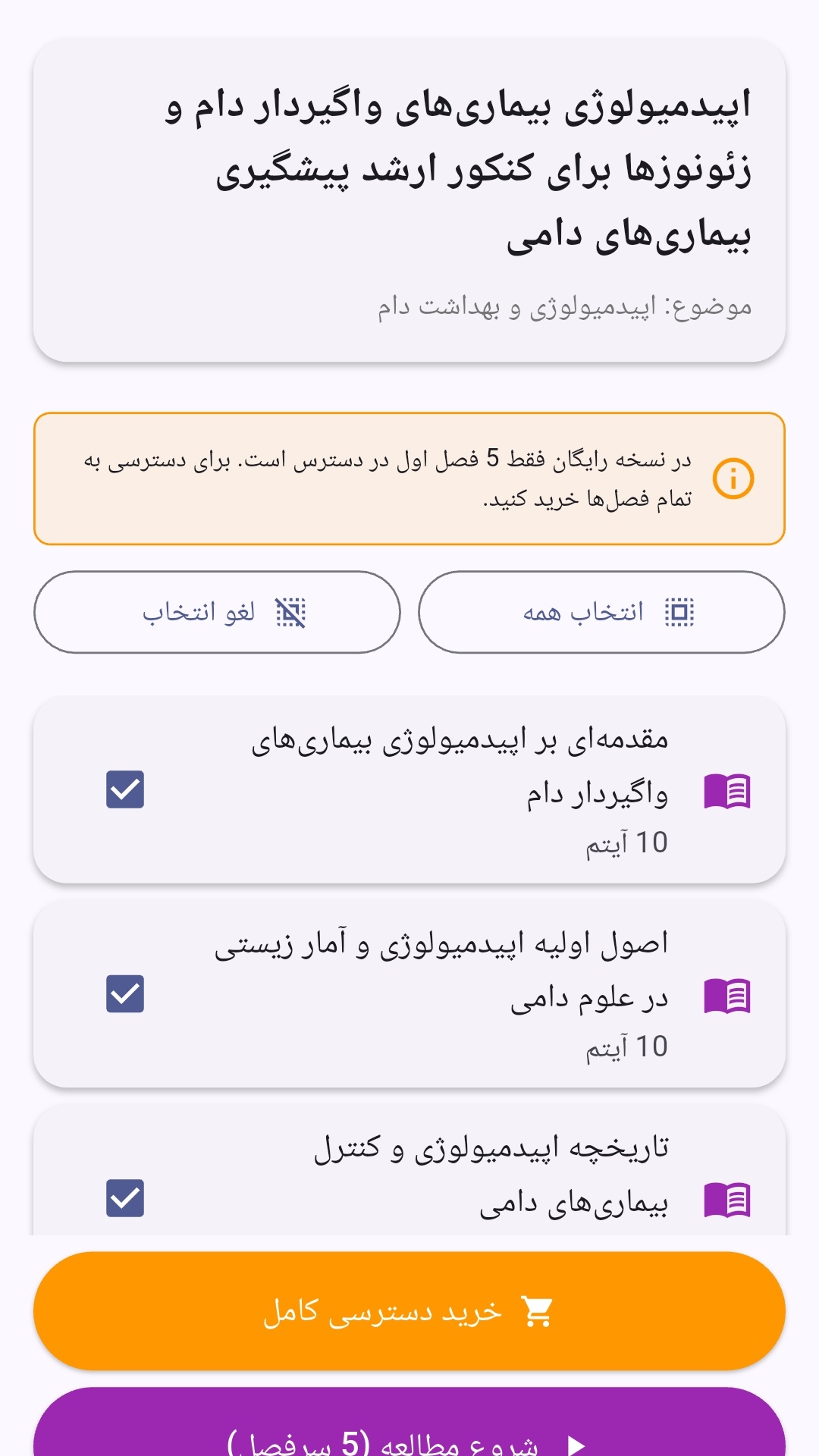
- صفحهبندی ساده برای انتخاب دوره و شروع مرور.
- نمایش تعداد دفعات مرور هر فصل.
- انتخاب چند فصل برای مرور همزمان.
- امکان تمرکز بر فصلهایی که هنوز مرور نشدهاند.
این اپلیکیشن برای دانشآموزان، دانشجویان، داوطلبان آزمونها و علاقهمندان به یادگیری طراحی شده است؛ بهویژه کسانی که میخواهند مطالب آموزشی را در زمانهای کوتاه مرور کنند، دانستههای خود را بسنجند و مطالعه منظمتری داشته باشند.
نظرات
هنوز نظری ثبت نشده است.
وارد شوید تا نظر ثبت کنید.