اپلیکیشن اندرویدی فلشکارت آموزشی Google Cloud Platform: Batch Application Deployment and Management with Dask (Advanced Distributed Computing)
🎓 دوره آموزشی جامع
📚 اطلاعات دوره
عنوان دوره: دوره Google Cloud Platform: Batch Application Deployment and Management with Dask (Advanced Distributed Computing)
موضوع کلی: برنامه نویسی
موضوع میانی: Google Cloud Platform (GCP)
📋 سرفصلهای دوره
- 1. Understanding Batch Processing Workloads and Their Evolution
- 2. Key Characteristics of Distributed Computing Architectures
- 3. Common Challenges in Designing and Managing Distributed Systems
- 4. Introduction to Parallelism, Concurrency, and Asynchronous Processing
- 5. The Role of Distributed Computing in Modern Big Data Ecosystems
- 6. Overview of Advanced Distributed Computing Concepts for GCP
- 7. GCP Project Structure, Organization, and Resource Hierarchy
- 8. Identity and Access Management (IAM) for Secure GCP Deployments
- 9. GCP Networking Essentials: VPCs, Subnets, and Firewall Rules for Distributed Workloads
- 10. Google Cloud Storage (GCS): Architecting Data Lakes for Dask
- 11. Compute Engine: Provisioning and Managing Virtual Machines for Custom Clusters
- 12. Kubernetes Engine (GKE): Foundations for Containerized Distributed Applications
- 13. Dataproc: A Managed Service for Apache Spark, Flink, and Dask
- 14. Introduction to Google Cloud Operations Suite for Distributed Systems
- 15. What is Dask? A Scalable Analytics Library Overview
- 16. Understanding Dask's Lazy Evaluation and Task Graph Construction
- 17. Dask Array: Parallel Computing with NumPy-like Interfaces
- 18. Dask DataFrame: Scaling Pandas Workflows for Large Datasets
- 19. Dask Bag: Processing Unstructured and Semi-structured Data
- 20. Dask Futures: Low-Level Asynchronous Task Scheduling
- 21. Deep Dive into Dask Collections and Their Internal Mechanisms
- 22. Comparing Dask with Apache Spark and Other Distributed Frameworks
- 23. Executing Complex Dask Graphs and Understanding Computations
- 24. The Dask Distributed Scheduler: Architecture and Components
- 25. Dask Workers: Managing Compute Resources and Task Execution
- 26. Dask Nannies: Monitoring and Restarting Worker Processes
- 27. The Dask Client: Programmatic Interaction with a Distributed Cluster
- 28. Utilizing the Dask Dashboard for Real-time Monitoring and Diagnostics
- 29. Advanced Task Graph Optimization Techniques in Dask
- 30. Configuring Dask for Specific Workload Characteristics and Resource Needs
- 31. Memory Management Strategies and Best Practices in Dask Distributed
- 32. Designing Compute Engine Instance Templates for Dask Clusters
- 33. Manual Deployment and Configuration of a Dask Cluster on Compute Engine
- 34. Secure Networking Setup for Dask Schedulers and Workers on GCP
- 35. Automating Dask Cluster Initialization with Compute Engine Startup Scripts
- 36. Selecting Optimal Machine Types and Accelerators (GPUs) for Dask Workers
- 37. Leveraging Persistent Disks for Stateful Dask Worker Storage and Caching
- 38. Implementing Autoscaling for Dask Clusters with Managed Instance Groups
- 39. Securing Dask Communication Channels on Compute Engine with TLS/SSL
- 40. Troubleshooting Common Deployment Issues for Dask on Compute Engine
- 41. Kubernetes Fundamentals for Deploying Dask Applications on GKE
- 42. Provisioning and Configuring a GKE Cluster Tailored for Dask Workloads
- 43. The Dask Kubernetes Operator: Declarative Cluster Management
- 44. Deploying Dask Scheduler and Worker Pods on GKE
- 45. Resource Requests, Limits, and Quality of Service for Dask on Kubernetes
- 46. Customizing Dask Worker Docker Images for GKE Deployments
- 47. Using Helm Charts for Standardized Dask Cluster Deployments on GKE
- 48. Integrating Dask with GKE's Cluster Autoscaler for Elasticity
- 49. Advanced GKE Networking Strategies for Dask (e.g., Service Mesh Integration)
- 50. Debugging and Troubleshooting Dask Deployments on GKE
- 51. Introduction to Dataproc as a Managed Dask Service
- 52. Creating Dataproc Clusters with Dask Initialization Actions
- 53. Submitting Dask Jobs and Scripts to Dataproc Clusters
- 54. Managing the Lifecycle of Dask Clusters on Dataproc
- 55. Dataproc Worker Configuration: Machine Types, Scaling, and Preemptible Instances
- 56. Using Custom Images and Containerization for Dataproc Dask Workers
- 57. Accessing the Dask Dashboard and Logs on Dataproc Clusters
- 58. Cost Optimization Strategies for Dask Workloads on Dataproc
- 59. Diagnosing and Resolving Issues with Dask Jobs on Dataproc
- 60. Efficiently Reading and Writing Data from Google Cloud Storage with Dask
- 61. Batch ETL and Analytics with Dask and BigQuery Integration
- 62. Connecting Dask to Managed Databases: Cloud SQL, Spanner, and Firestore
- 63. Triggering Dask Batch Jobs with Pub/Sub Events and Cloud Functions
- 64. Working with Diverse Data Formats: Parquet, ORC, CSV, JSON, NetCDF
- 65. Optimizing Data Access Patterns for Performance in Dask Applications
- 66. Advanced Data Partitioning and Indexing Strategies for Dask Collections
- 67. Handling Large-Scale Geospatial Data with Dask and GCP Storage
- 68. Principles of Workflow Orchestration for Complex Batch Applications
- 69. Introduction to Cloud Composer (Apache Airflow) for Dask Workflows
- 70. Designing and Implementing Dask DAGs in Apache Airflow
- 71. Event-Driven Triggers for Dask Batch Jobs using Pub/Sub and Cloud Functions
- 72. Building CI/CD Pipelines for Dask Applications on GCP
- 73. Infrastructure-as-Code: Deploying Dask Environments with Terraform
- 74. Advanced Deployment Strategies with Google Cloud Deployment Manager
- 75. Automating Dask Cluster Provisioning and De-provisioning
- 76. Centralized Logging for Dask Applications with Google Cloud Logging
- 77. Building Custom Dashboards with Cloud Monitoring for Dask Clusters
- 78. Setting Up Advanced Alerts and Notifications for Dask Performance Metrics
- 79. Analyzing Dask Scheduler and Worker Logs for Performance Insights
- 80. Diagnosing and Resolving Common Dask Performance Bottlenecks
- 81. Troubleshooting Connectivity, Resource Exhaustion, and Task Failures
- 82. Leveraging Dask's Internal Diagnostics and Profiling Tools
- 83. Advanced Techniques for Dask Task Graph Optimization and Fusion
- 84. Memory Optimization Strategies for Extremely Large Dask Datasets
- 85. Evaluating CPU vs. GPU for Accelerating Dask Workloads
- 86. Dynamic Scaling and Resource Elasticity for Dask Clusters on GCP
- 87. Cost Management and Billing Best Practices for GCP Dask Deployments
- 88. Identifying and Eliminating I/O, Network, and Compute Bottlenecks
- 89. Benchmarking and Performance Tuning Your Dask Batch Applications
- 90. Implementing Principle of Least Privilege with IAM Service Accounts for Dask
- 91. Network Security: VPC Service Controls and Private IP for Dask Clusters
- 92. Data Encryption at Rest (GCS, Disks) and In Transit (Dask Communication)
- 93. Secure Credential Management with Google Secret Manager for Dask Applications
- 94. Role-Based Access Control (RBAC) and Namespace Isolation for Dask on GKE
- 95. Auditing and Compliance for Dask Batch Processing on GCP
- 96. Extending Dask: Custom Schedulers, Plugins, and Distributed Algorithms
- 97. Dask-ML: Scaling Machine Learning Workflows on GCP
- 98. Building Complex Data Pipelines with Dask and Apache Beam on GCP
- 99. Real-World Case Study: Large-Scale Genomic Data Processing with Dask
- 100. Future Trends in Distributed Computing and the Dask Ecosystem
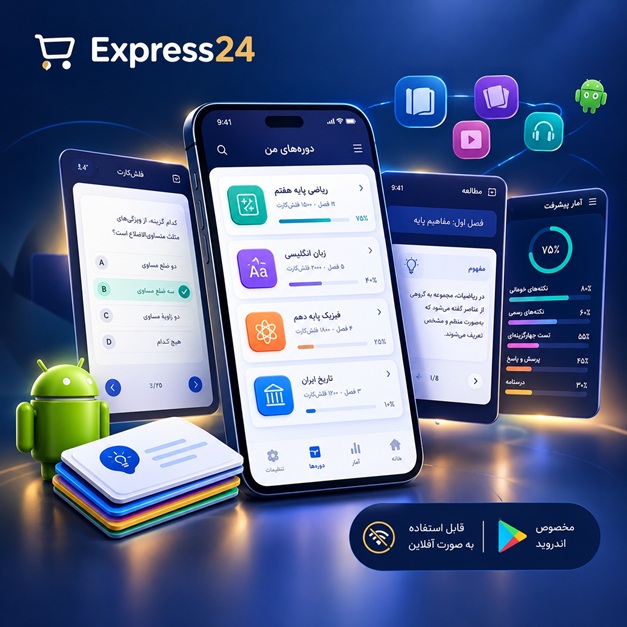
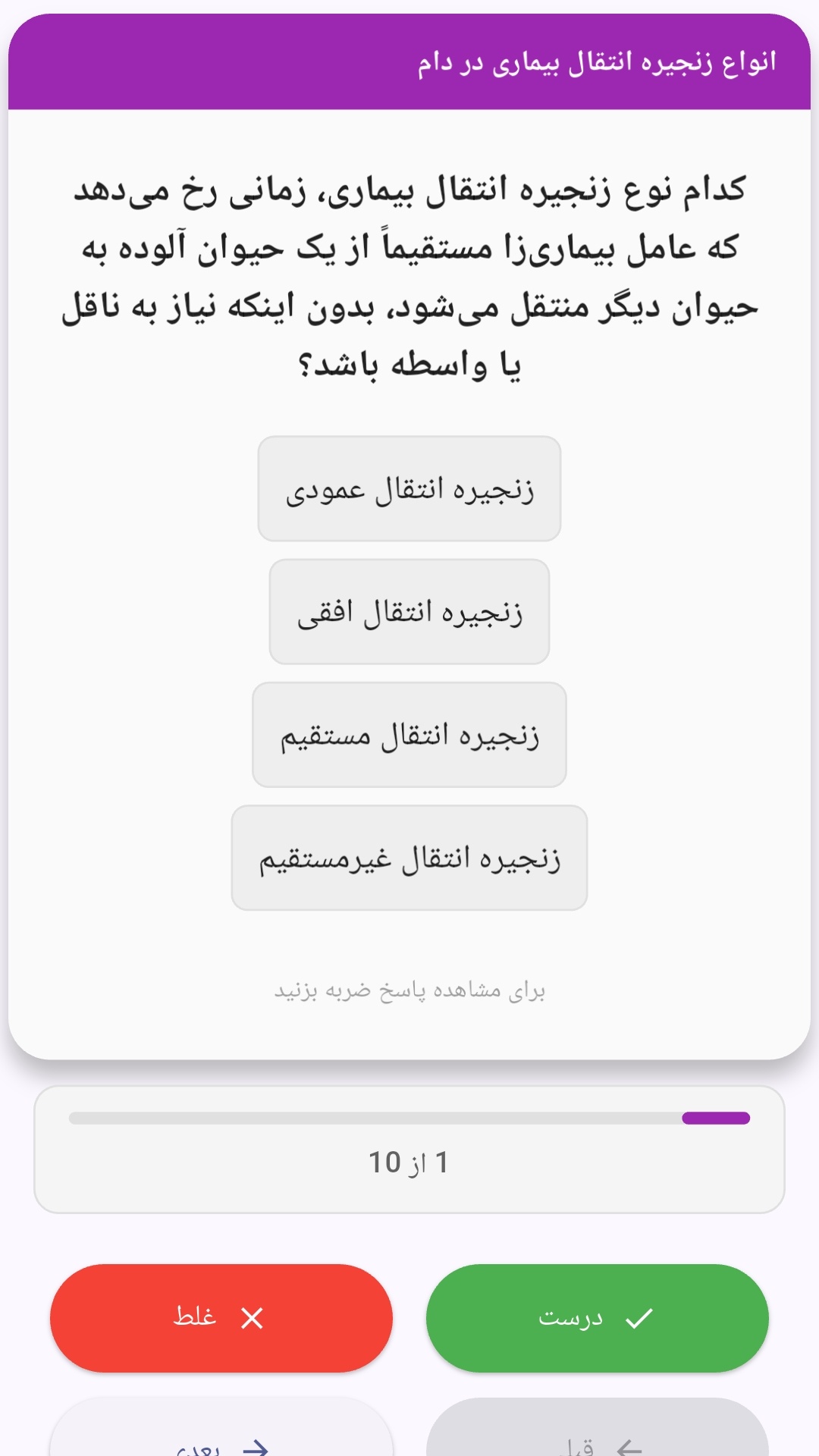
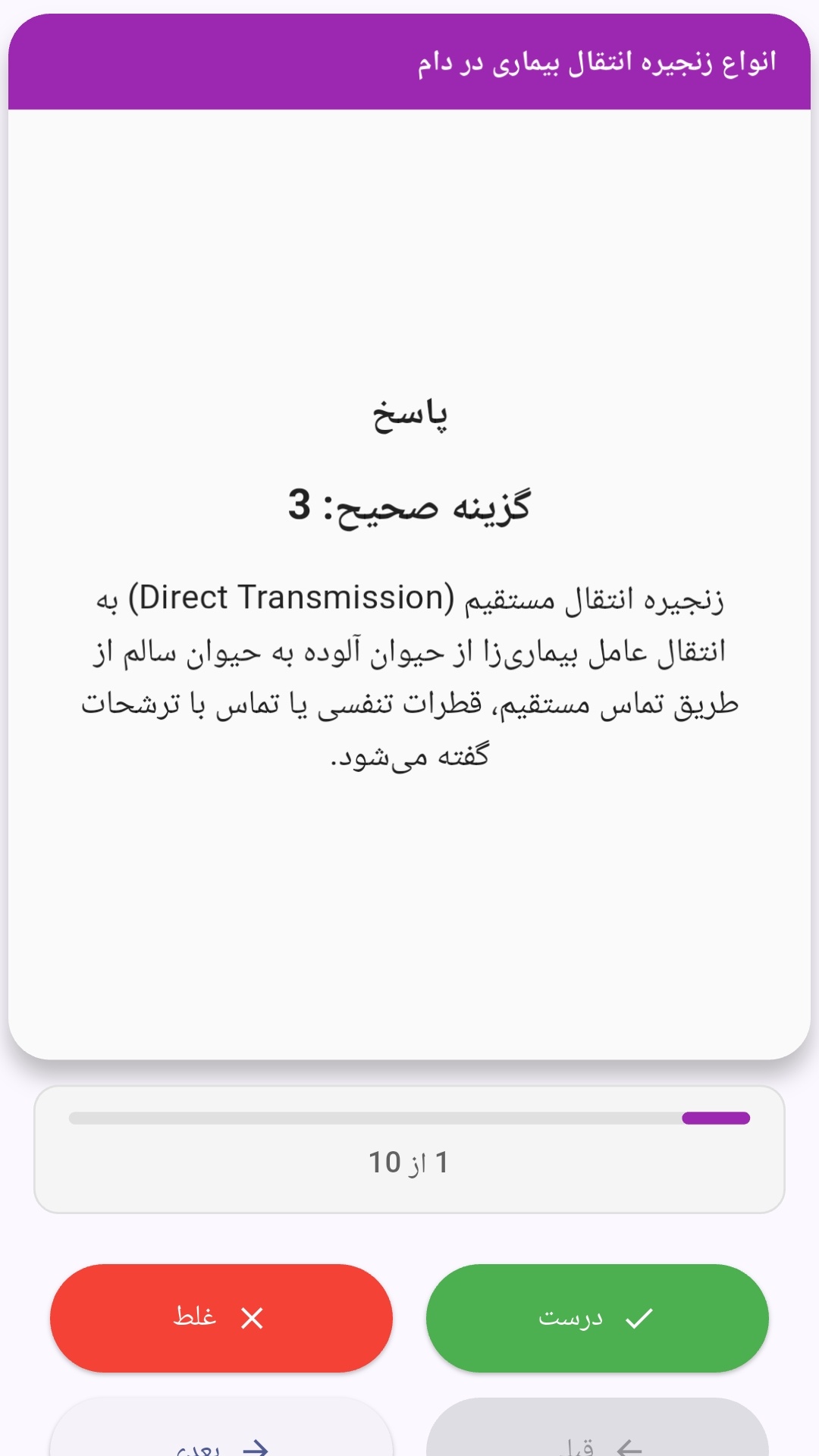
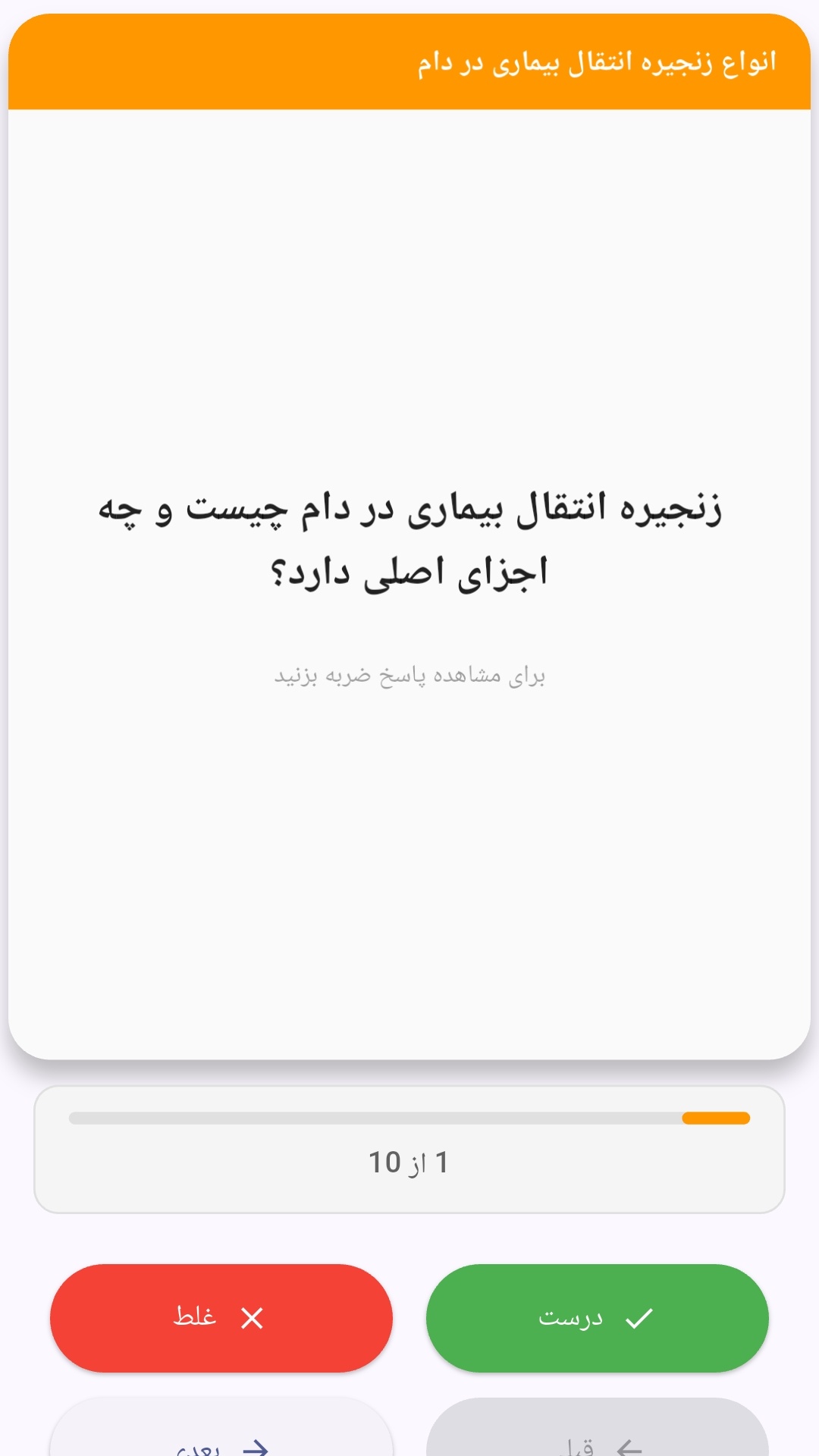
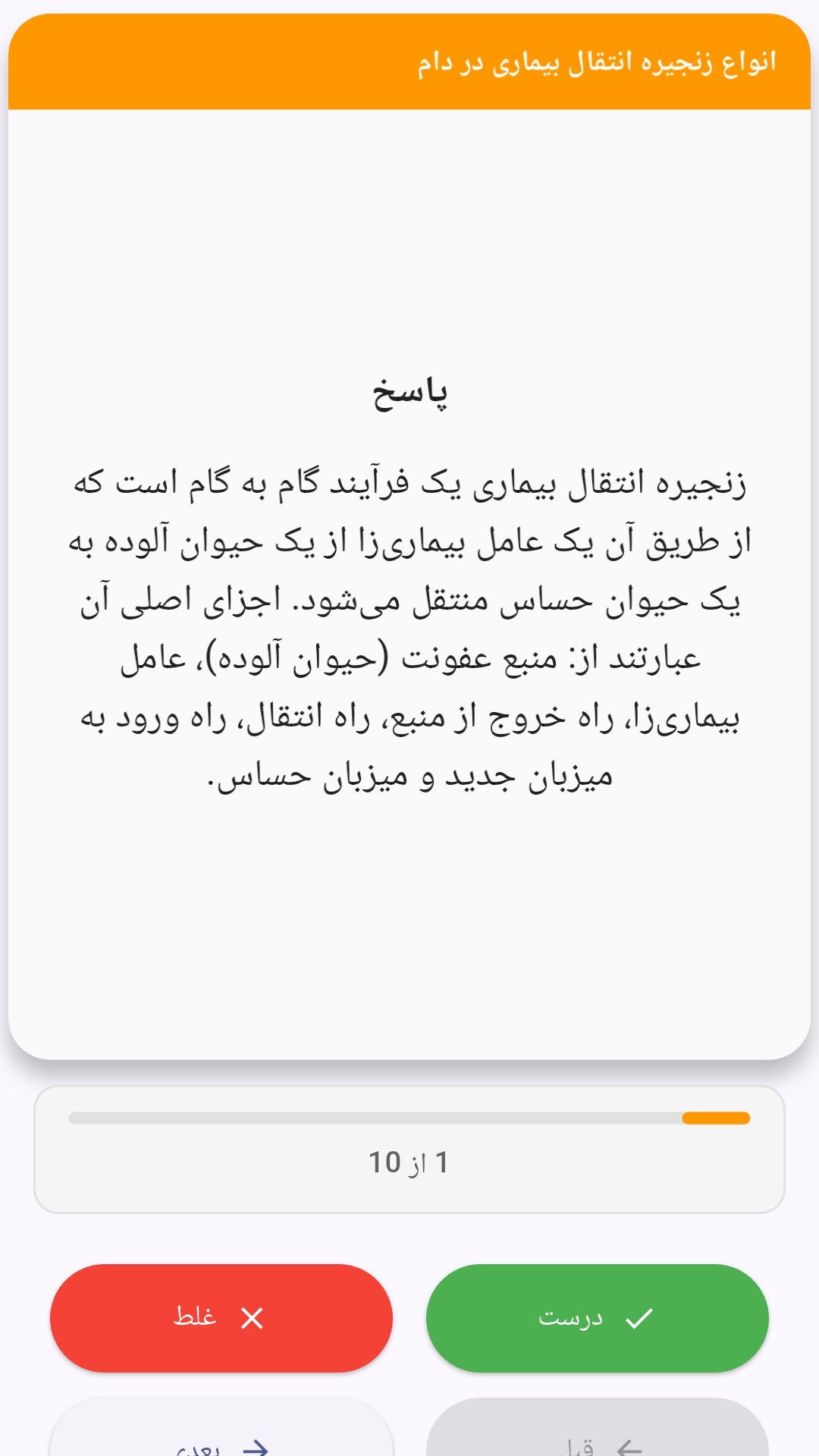
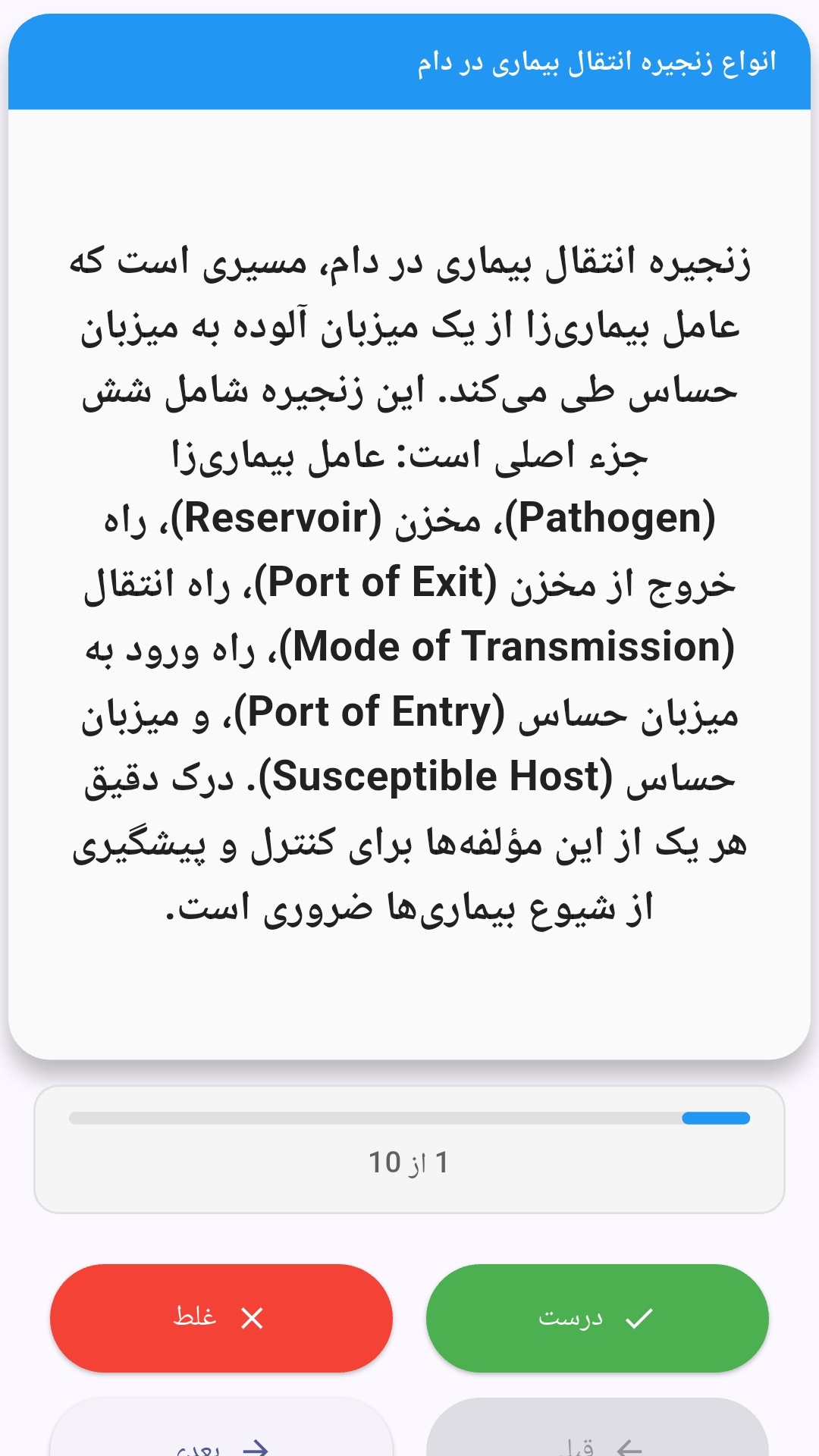
این اپلیکیشن فارسی برای یادگیری و مرور محتوای آموزشی از طریق فلشکارت طراحی شده است. کارتها را یکییکی مرور کنید، پاسخ پرسشها را به یاد بیاورید و نتیجه هر پاسخ را ثبت کنید. محتوای دوره پس از نصب درون برنامه در دسترس است تا برای مطالعه روزمره معمولاً به اتصال مداوم اینترنت نیاز نداشته باشید.
محتوای آموزشی در قالبهای متنوع ارائه میشود تا هم برای یادگیری مفاهیم جدید و هم برای تثبیت آموختهها قابل استفاده باشد.
- رابط کاربری فارسی و راستچین با فونت وزیر.
- تم روشن و تیره مطابق تنظیمات سیستم.
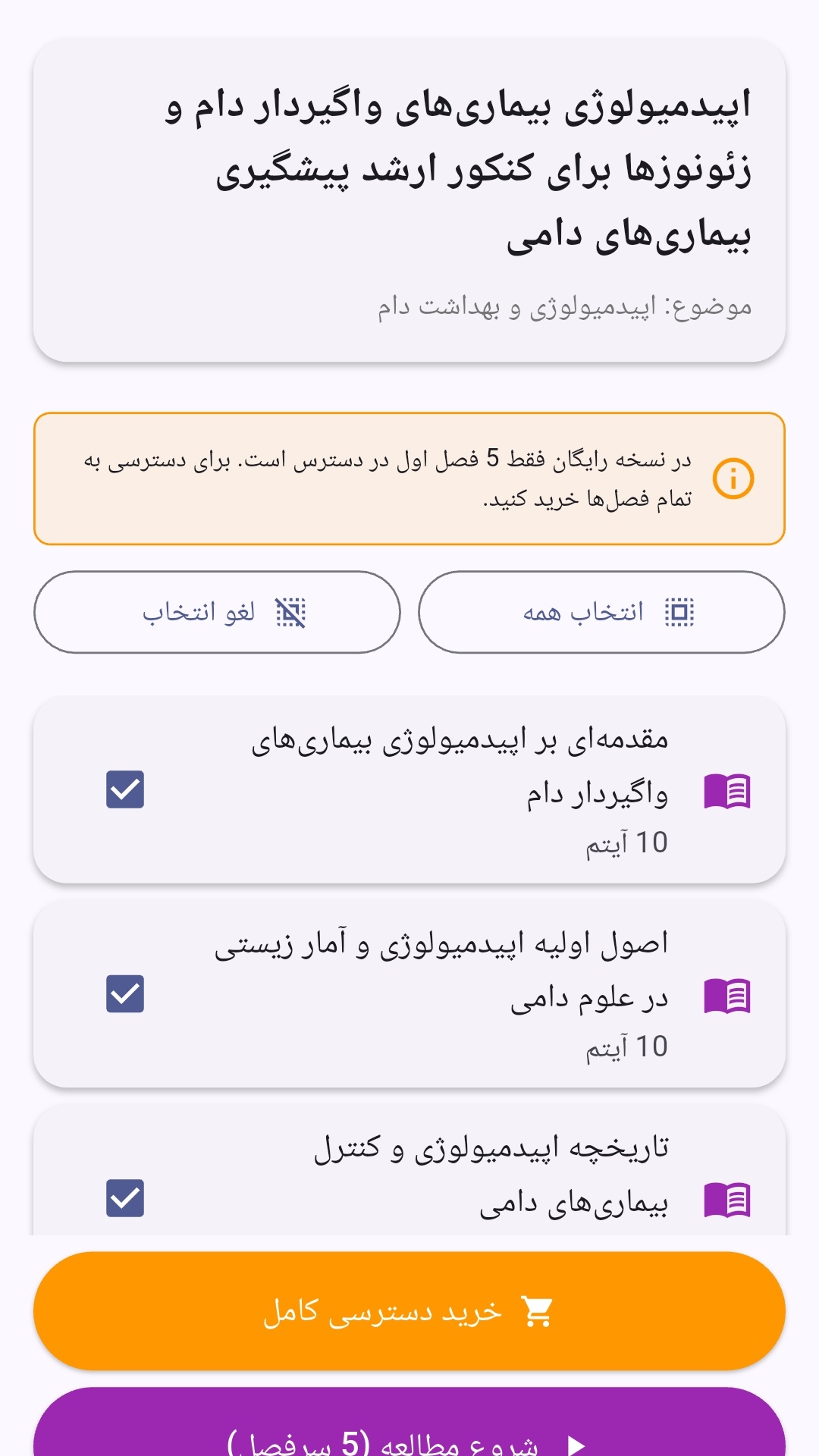
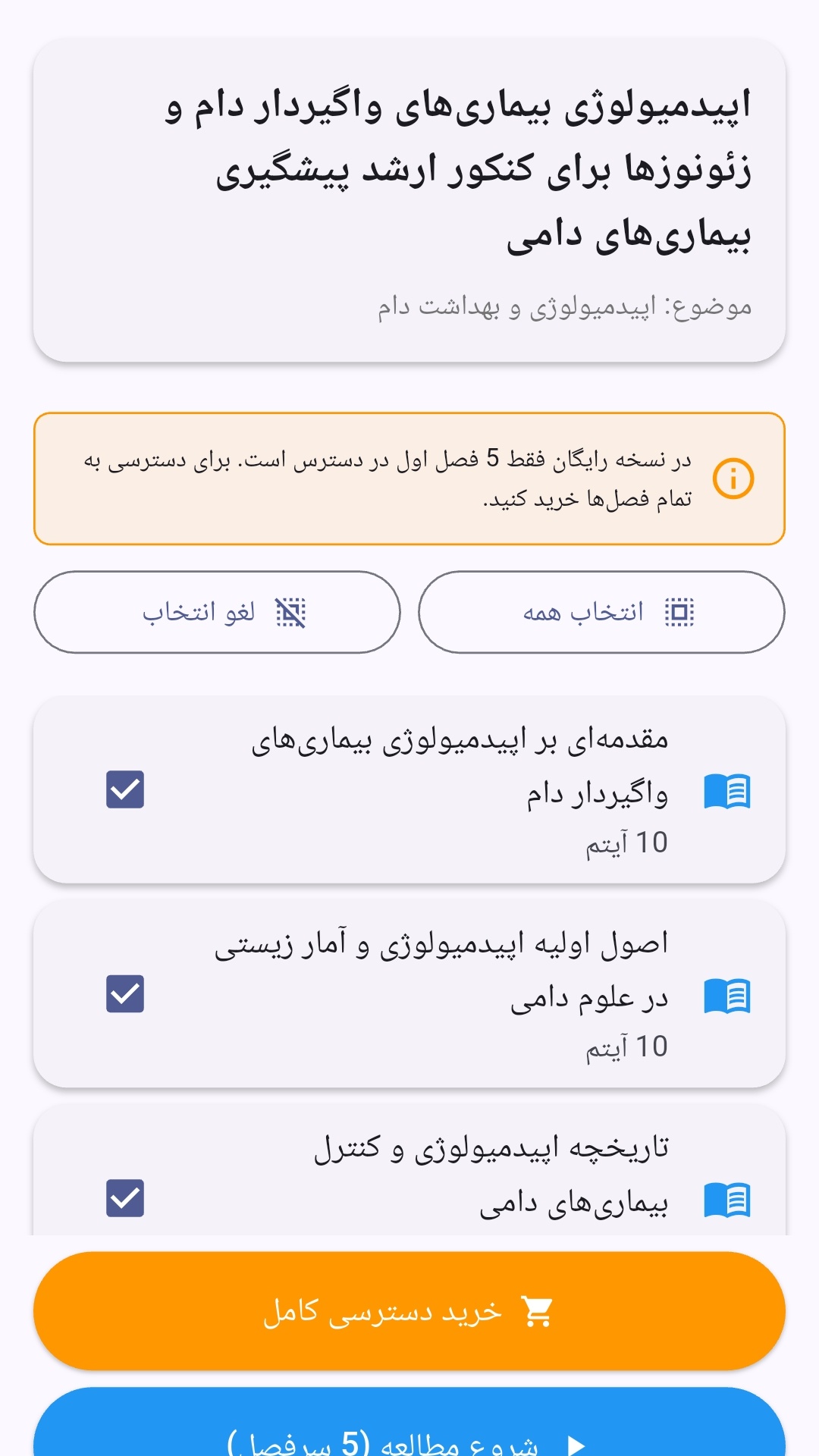
- صفحهبندی ساده برای انتخاب دوره و شروع مرور.
- نمایش تعداد دفعات مرور هر فصل.
- انتخاب چند فصل برای مرور همزمان.
- امکان تمرکز بر فصلهایی که هنوز مرور نشدهاند.
این اپلیکیشن برای دانشآموزان، دانشجویان، داوطلبان آزمونها و علاقهمندان به یادگیری طراحی شده است؛ بهویژه کسانی که میخواهند مطالب آموزشی را در زمانهای کوتاه مرور کنند، دانستههای خود را بسنجند و مطالعه منظمتری داشته باشند.
نظرات
هنوز نظری ثبت نشده است.
وارد شوید تا نظر ثبت کنید.